Make your first mark
Choose Pen or Brush in Child mode. Try six materials at a time, pick a colour and draw on the page.
DRAW & ILLUSTRATE
From first sketch to finished illustration. Explore graphite from 9H to 9B, watercolour, oil pastel and layers.
Start SketchRead the guide ↓Studio tools currently appear in Swedish.
Choose Pen or Brush in Child mode. Try six materials at a time, pick a colour and draw on the page.
9H makes a fine, light line. HB and F suit outlines. Softer B grades make broader, darker shadows.
Switch to Advanced for the full material library, selection, layers and export.
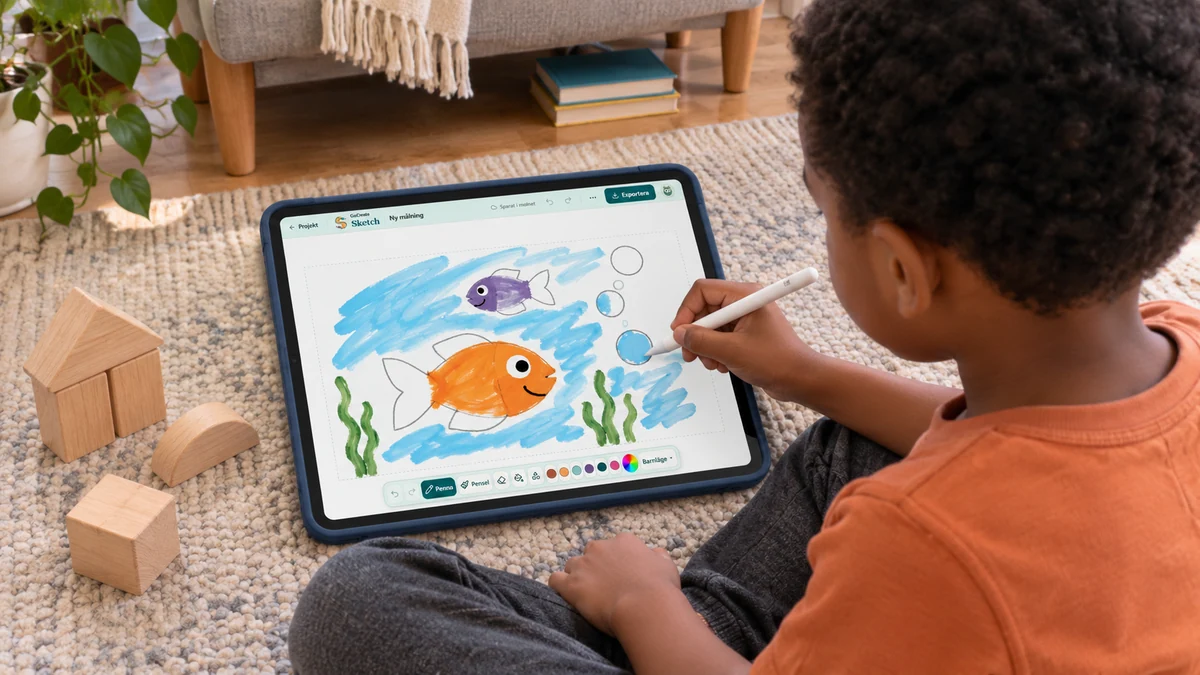
Child mode leaves most of the screen for the paper. Start with an oval body and a triangle for a tail.
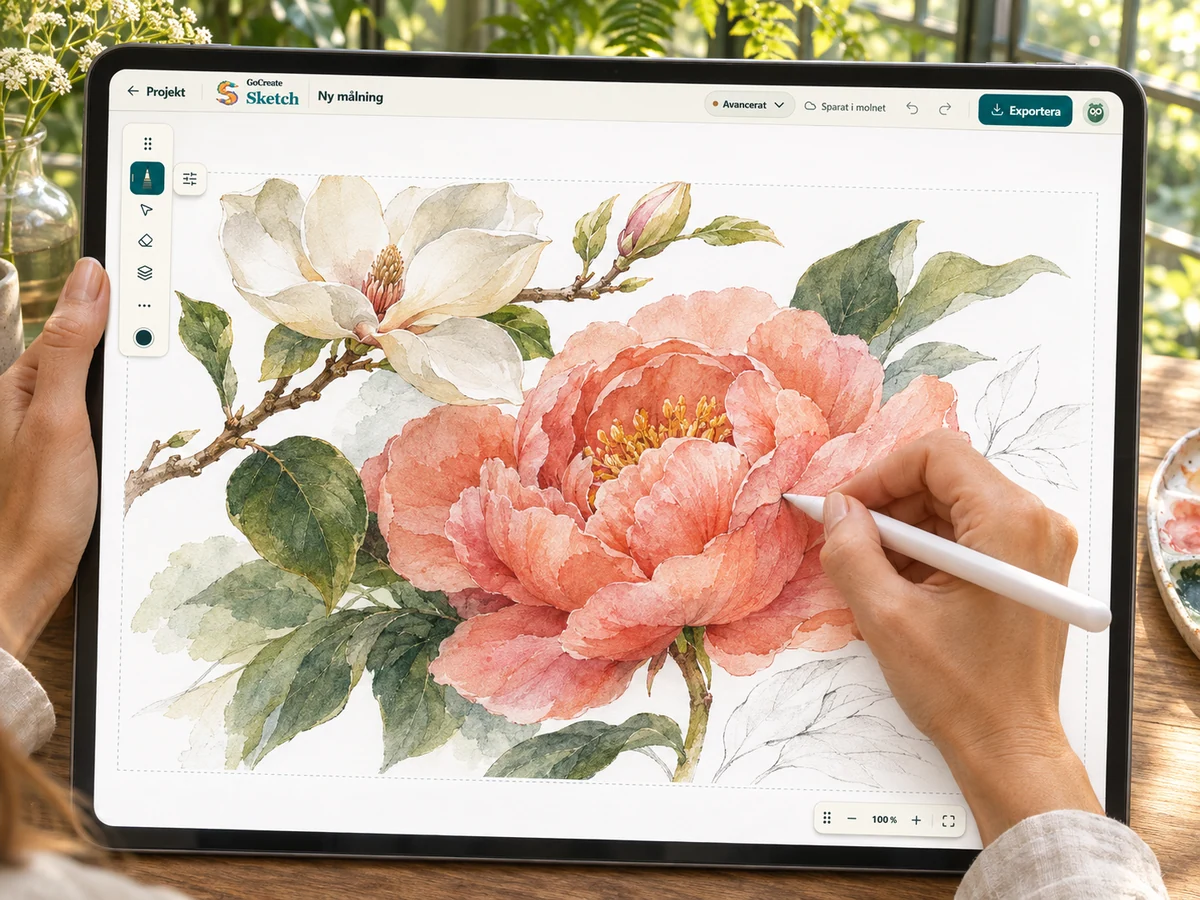
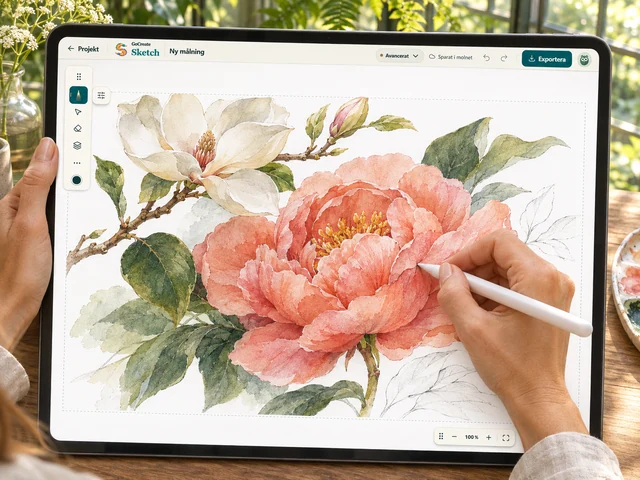
Try painting a flower using just two colours. Leave some paper showing through for the highlights.
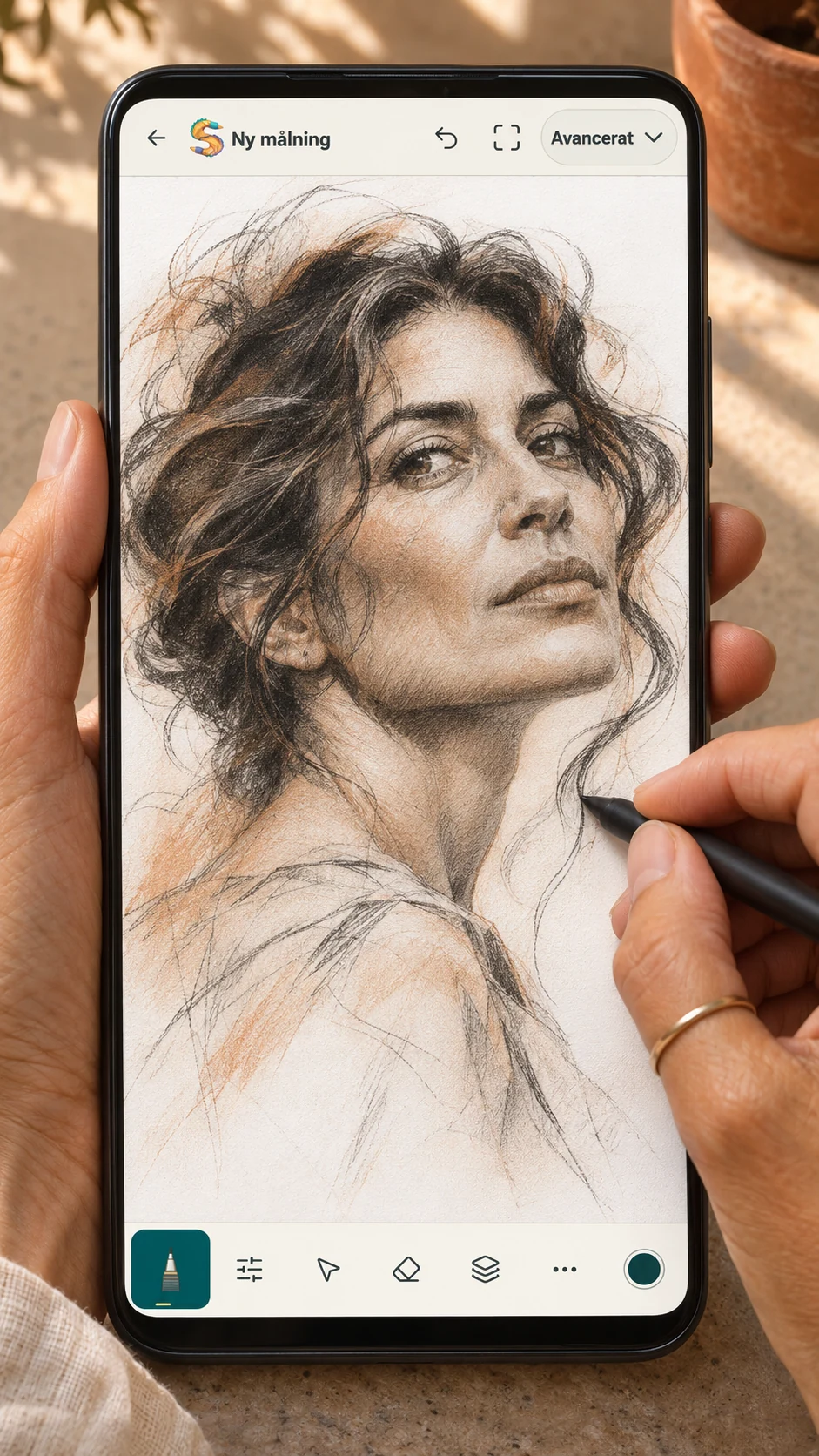
Make three marks with 9H, HB and 9B. The difference is easiest to see when you shade.
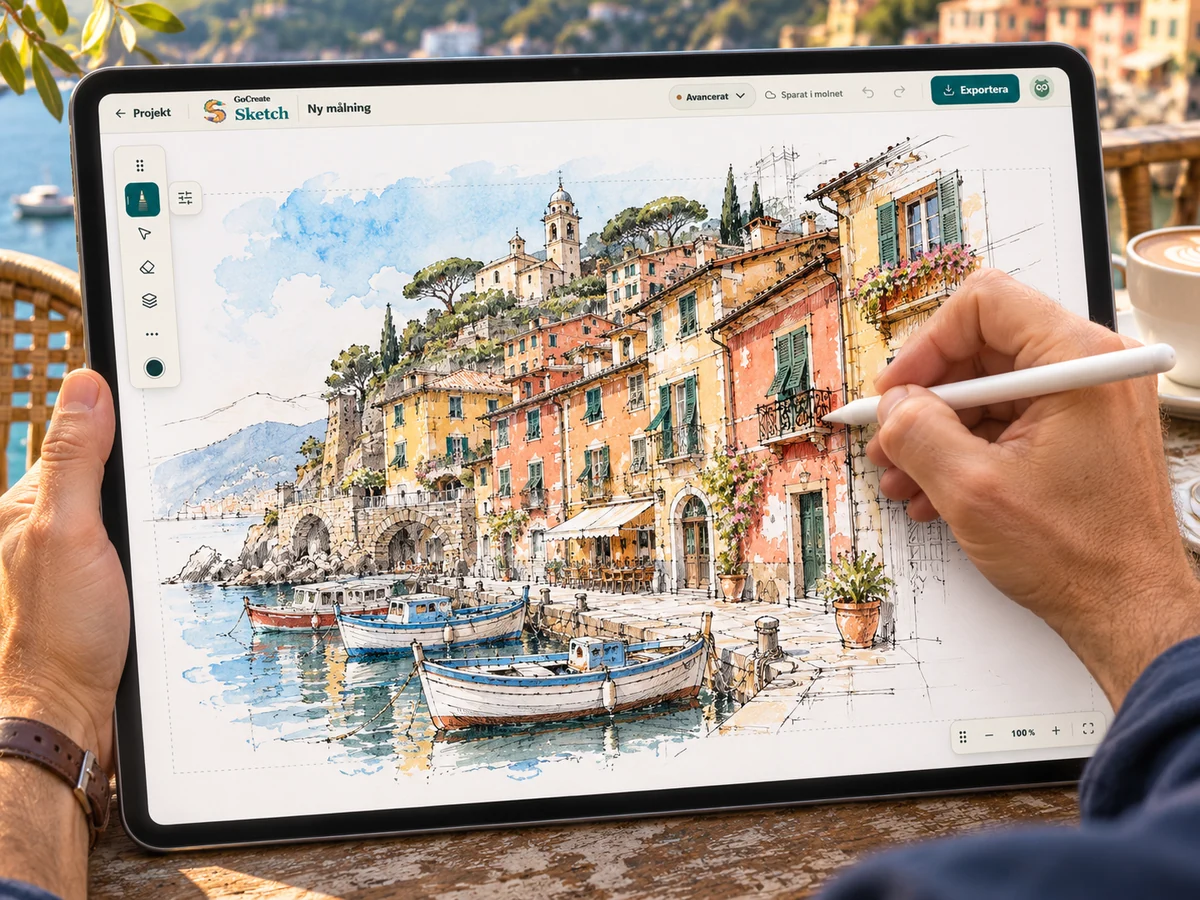
From the sketchbook you can start on blank paper, colour an illustration or join numbered dots.
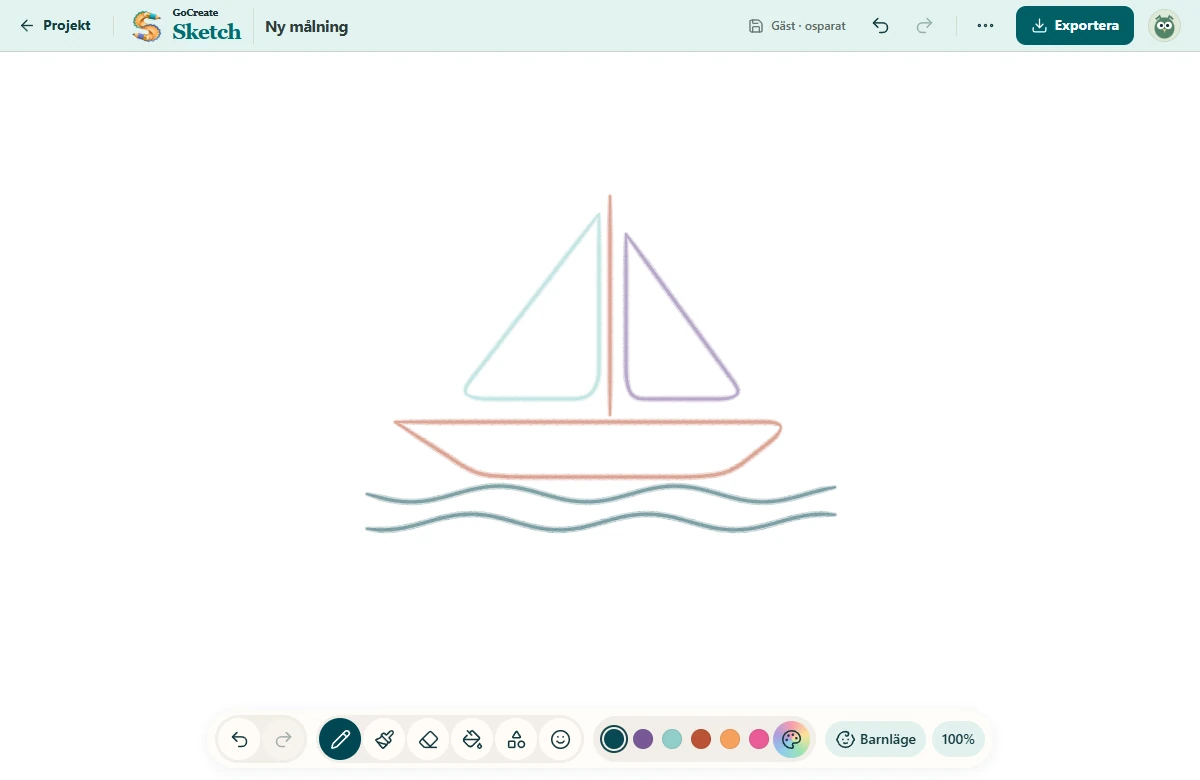
Choose Pen or Brush. The colour box has 32 colours and four gradients. Try Rainbow or add an emoji.
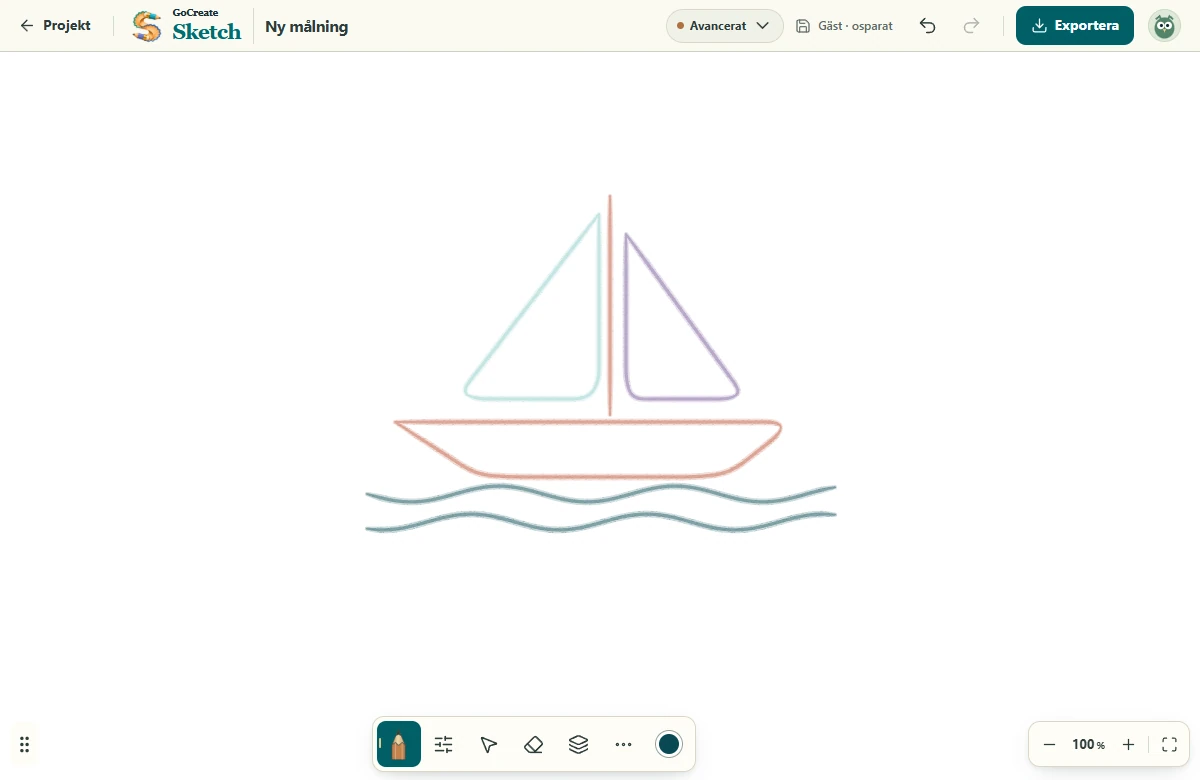
Open the settings beside the active brush. Use Layers in the toolbox to move, rename or hide a layer.
Sketch
One curve, different materials. Compare marks rendered by the studio’s own brushes.
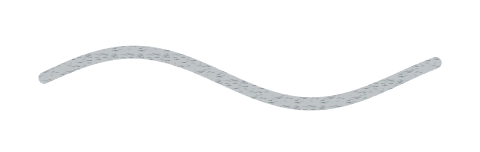 Graphite
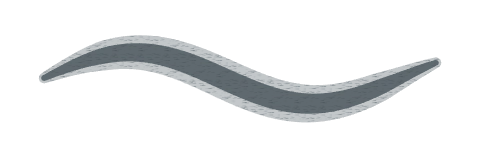 9B
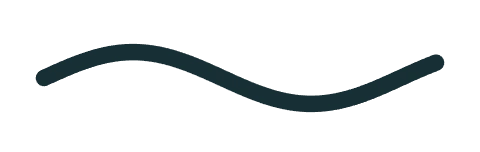 Ink
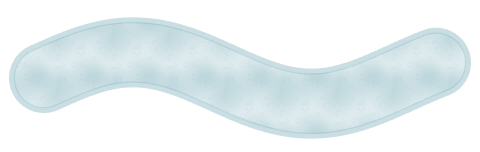 Watercolour
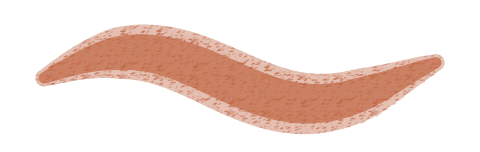 Oil pastel
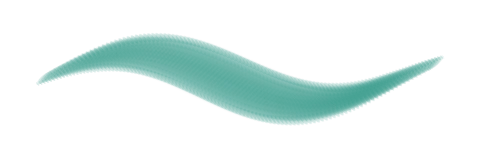 Flat gouache
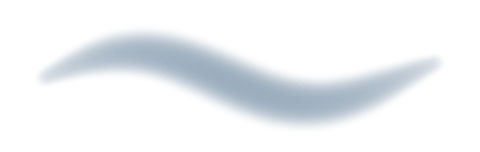 Soft airbrush
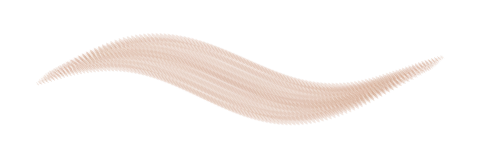 Dry bristle
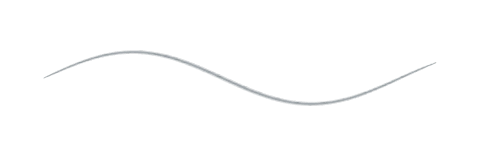 Hard graphiteGraphite
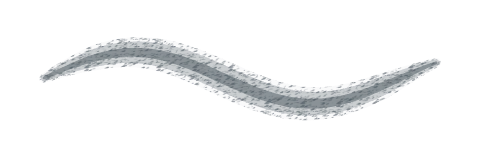 Soft graphite
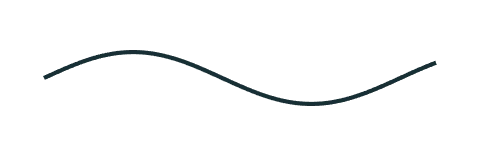 Mechanical pencil
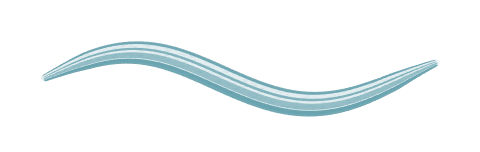 Colored pencil
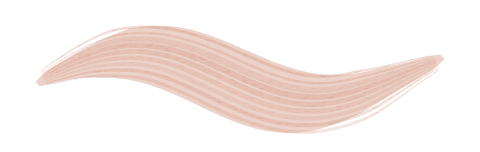 Graphite block
 Graphite 9H
 Graphite 8H
 Graphite 7H
 Graphite 6H
 Graphite 5H
 Graphite 4H
 Graphite 3H
 Graphite 2H
 Graphite H
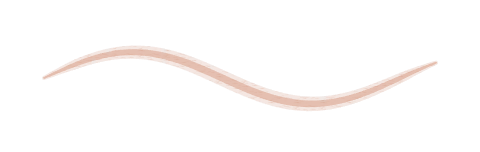 Graphite F
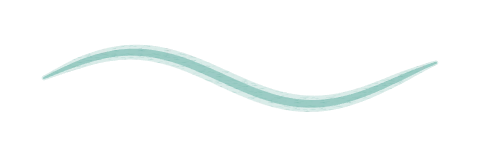 Graphite HB
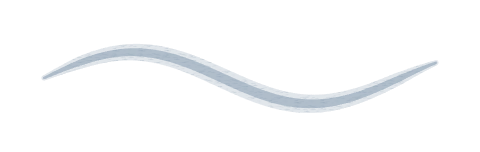 Graphite B
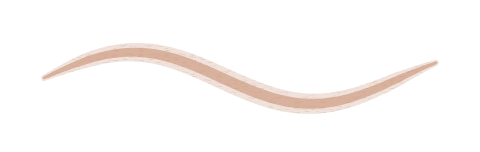 Graphite 2B
 Graphite 3B
 Graphite 4B
 Graphite 5B
 Graphite 6B
 Graphite 7B
 Graphite 8BGraphite 9B
 Crosshatched graphite
 Charcoal stick
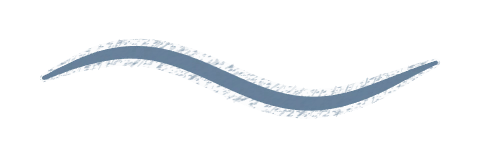 Charcoal pencil
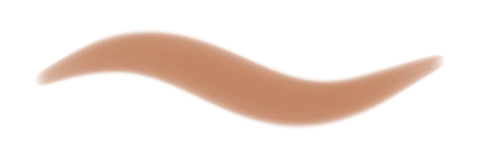 Soft pastel
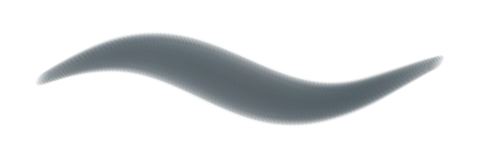 Oil pastel
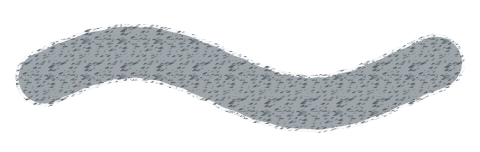 Crayon
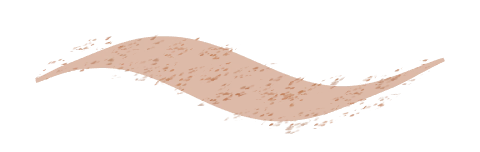 Compressed charcoalLayered oil pastelIndia ink
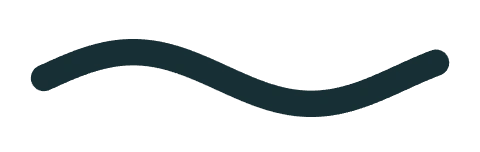 Monoline
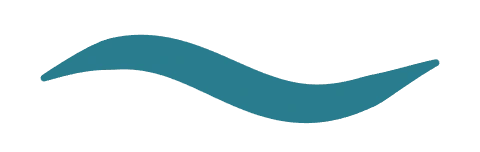 Brush pen
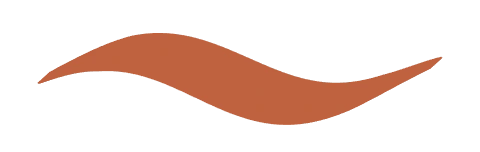 Calligraphy
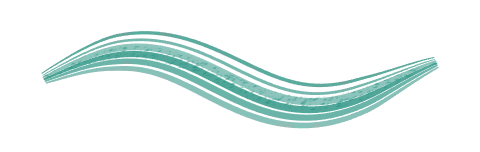 Dry ink
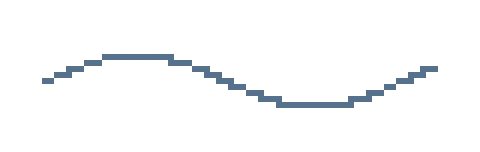 Pixel pen
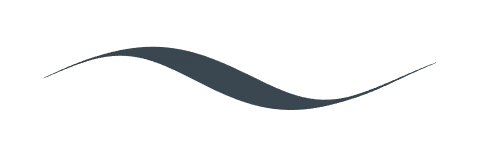 Pointed steel pen
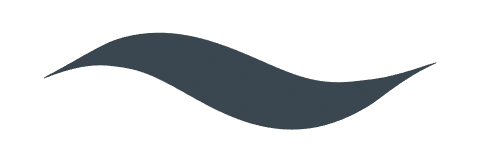 Comic inker
 Felt tip
 Broad marker
 Alcohol marker
 Highlighter
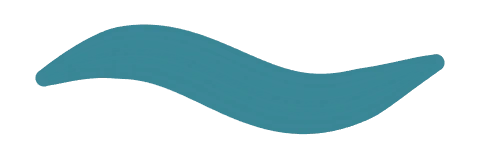 Gouache roundGouache flatDry bristle
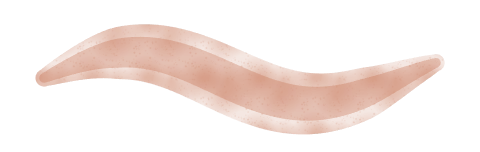 Round mixer
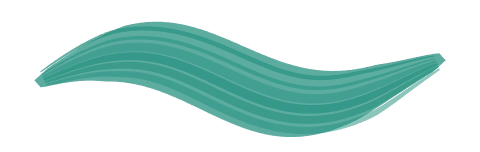 Oil mixer
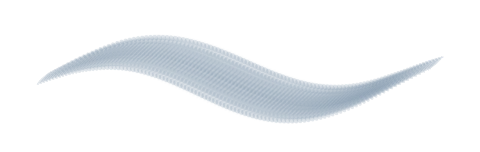 Palette knife
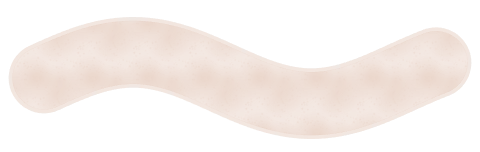 Watercolour wash
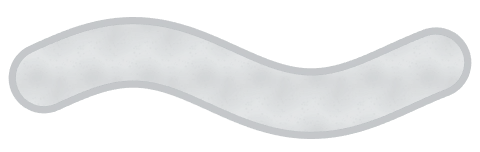 Edged wash
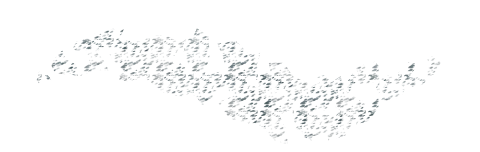 Dry gouache scumble
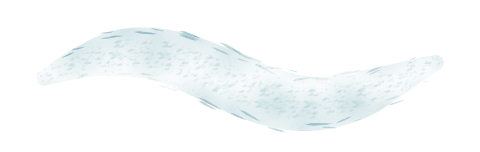 Dry watercolourWatercolour with pigment edgesSoft airbrush
 Hard airbrush
 Spray
 Fan spray
 Stippling
 Spatter
 Hatching
 Fibre brush
 Tile stamp
 Star scatter
 Foliage
 Ribbon
 Soft glow
 Woven border
 Grass tuft
Try 9H for construction lines, HB for outlines and 9B for deep shadows. A compatible pen lets pressure change your line width.
Overlap translucent watercolour, lay down dense oil pastel or shade with an airbrush. Flow controls how quickly pigment builds up.
Draw the foreground on its own layer, then select, move, scale or rotate it. Lock the background while you work.
Export an image to share or a project file to edit later. You can also take a copy of your painting into Animate.
No. Open Sketch or Animate to try it. Guest work exists only in the open tab. Create an account to save it in your studio.
Yes. GoCreate reads pen pressure and tilt when the browser and device report them. Pen mode lets you draw with the pen and navigate with your fingers. Support depends on the pen, driver and browser.
Overview
Two studios for one idea. Explore the tools and find your starting point.
FRAME BY FRAME
Draw a frame, duplicate it and change the next pose. Play the sequence like a flipbook.
CREATE TOGETHER
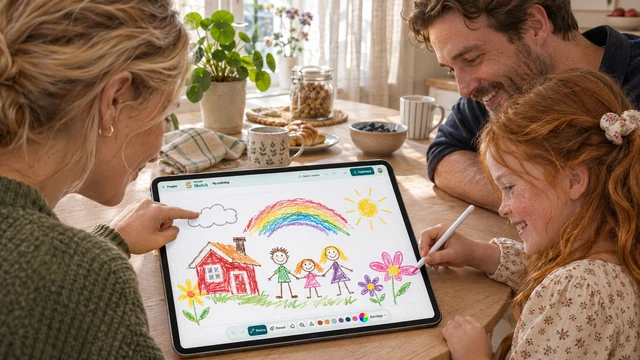
An adult creates the family studio and gives each child their own profile. Children do not need email addresses.