1. Create a family
Verify your email through adult sign-in. Open the children tab and add a profile for each child.
CREATE TOGETHER
An adult creates the family studio and gives each child their own profile. Children do not need email addresses.
Create your family’s studioRead the guide ↓Open the parent dashboard · Privacy
Studio tools currently appear in Swedish.
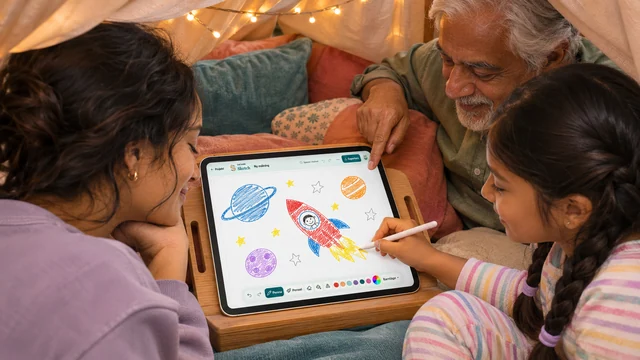
Verify your email through adult sign-in. Open the children tab and add a profile for each child.
Choose Connect child’s device on the tablet. Approve its code under Devices in the parent dashboard. The child then chooses their avatar and enters their own PIN.
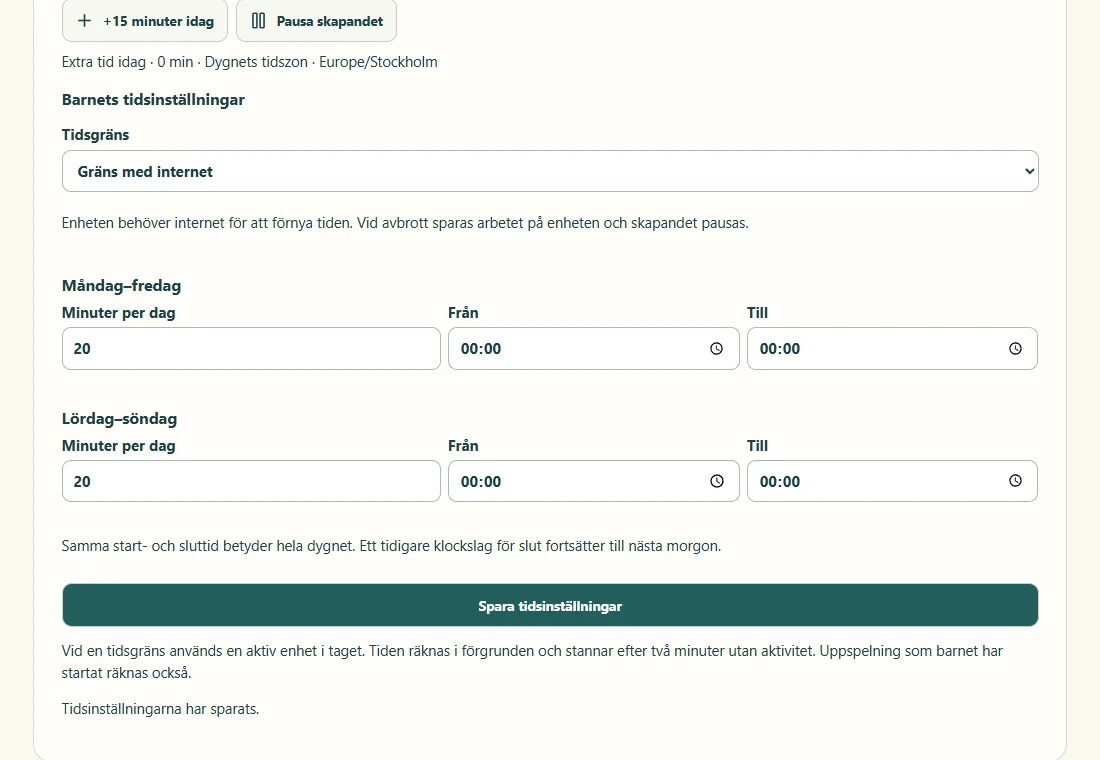
Set limits for each child under studio time. These apply to active use in GoCreate. The creations tab shows synced artwork.
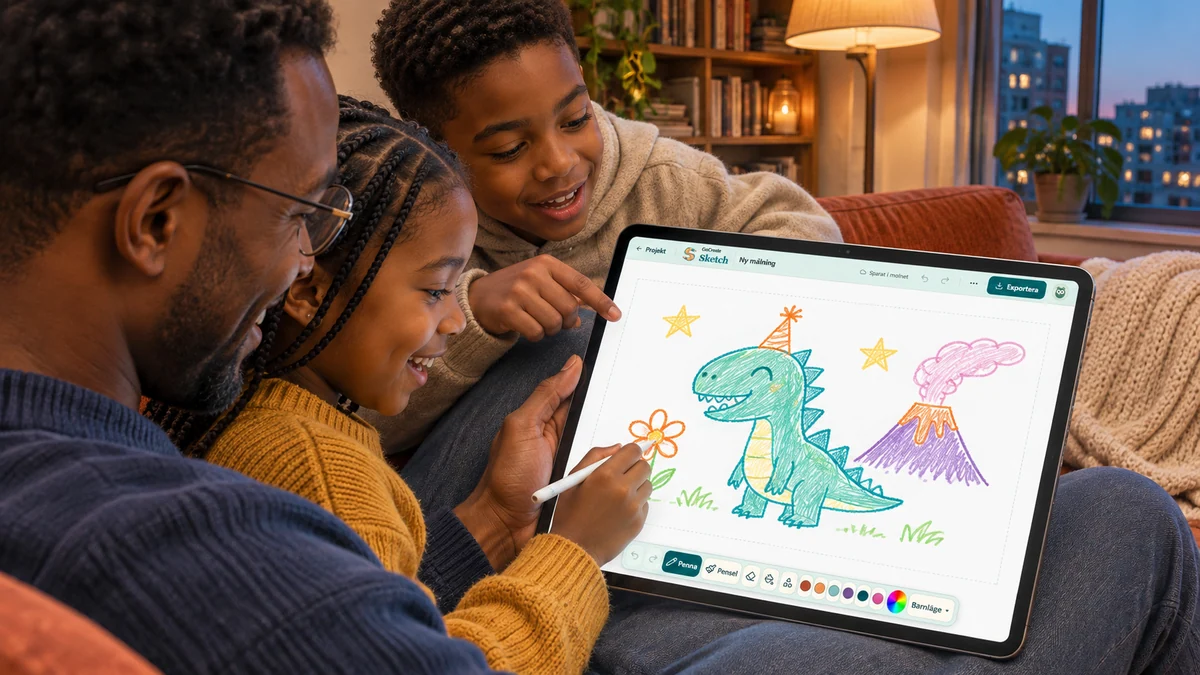
Choose Create your family’s studio and verify your email. Open Children in the parent dashboard to add a profile.
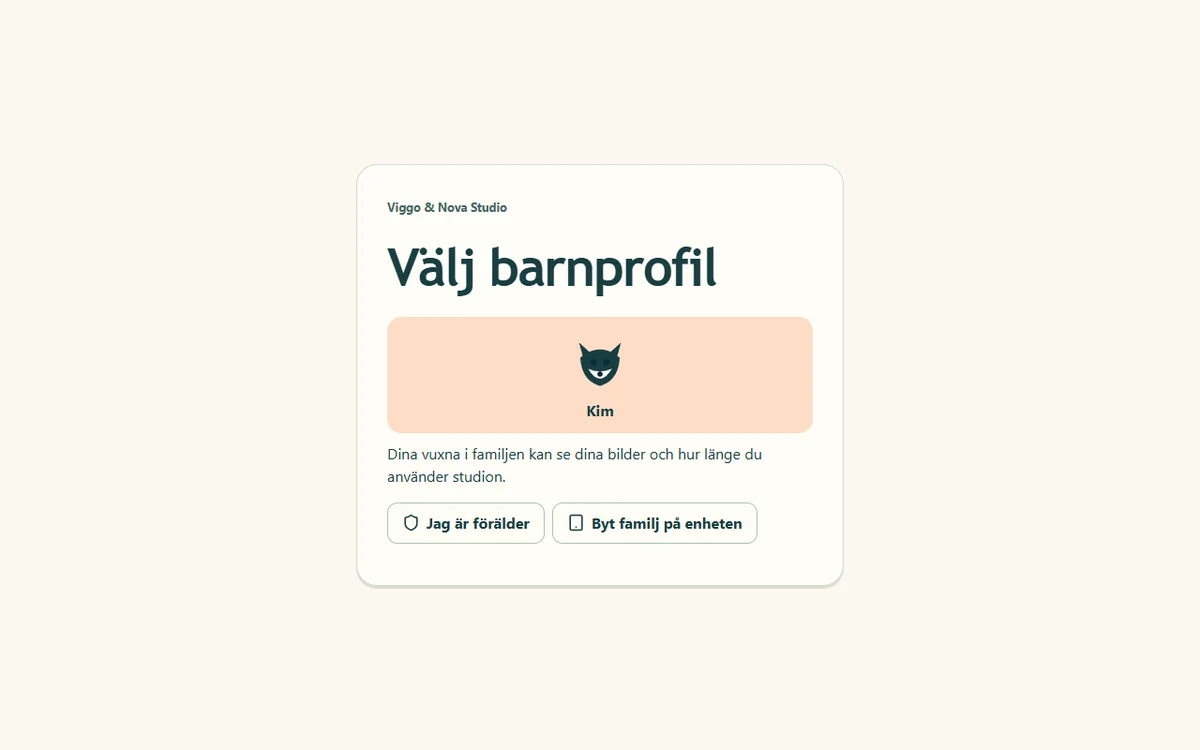
On the same device: choose To the children’s studio in the parent dashboard and approve it for the children.
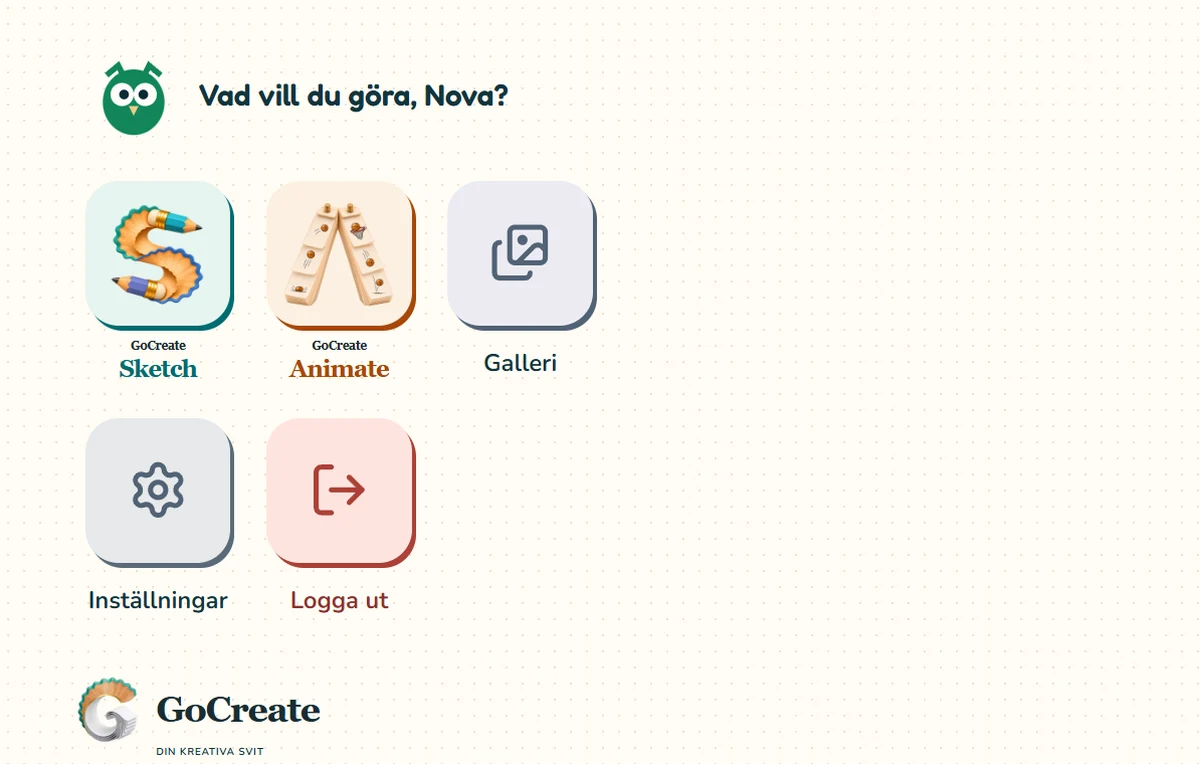
Sketch opens the sketchbooks, Animate opens animation projects and Gallery brings together that child’s work.
Creations shows the child’s synced pictures and films. Studio time measures active use in the child profile, not other screen time.
No. Open Sketch or Animate to try it. Guest work exists only in the open tab. Create an account to save it in your studio.
Yes. A family account gives each child a profile, their own work and studio time limits on paired devices.
Overview
Two studios for one idea. Explore the tools and find your starting point.
DRAW & ILLUSTRATE
From first sketch to finished illustration. Explore graphite from 9H to 9B, watercolour, oil pastel and layers.
FRAME BY FRAME
Draw a frame, duplicate it and change the next pose. Play the sequence like a flipbook.