Skip to content
GoCreate

GoCreate

YOUR CREATIVE SUITE

A studio for your ideas

Sketch in graphite, paint in layers or bring a drawing to life. Start right in your browser and create an account when you want to save.

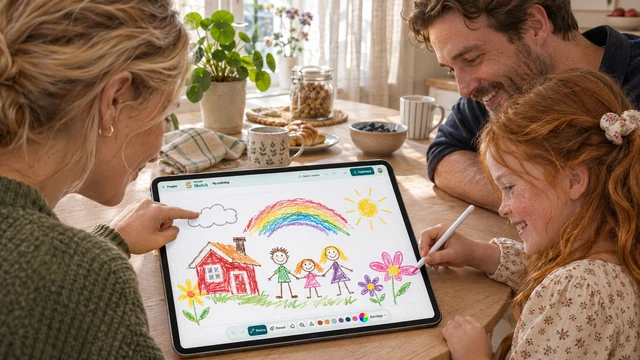
A family making a rainbow drawing together on a tablet.

CREATE TOGETHER

GoCreate for families

An adult creates the family studio and gives each child their own profile. Children do not need email addresses.

Explore

Choose your studio

Sketch

Advanced

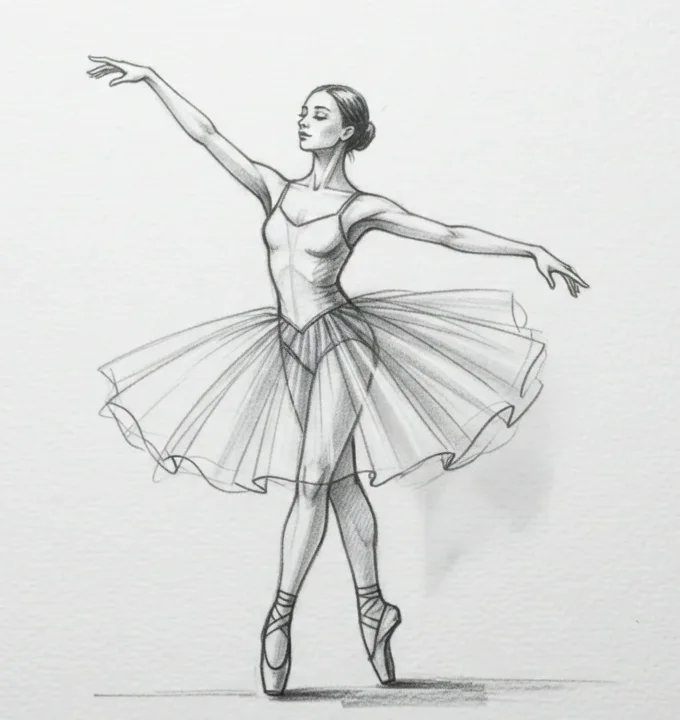
From light outlines to deep shadows

Build a drawing in layers using graphite, a soft airbrush and translucent washes.

A ballerina takes shape in graphite. Watch the outline, skirt and shadows build up in turn.
Sketch

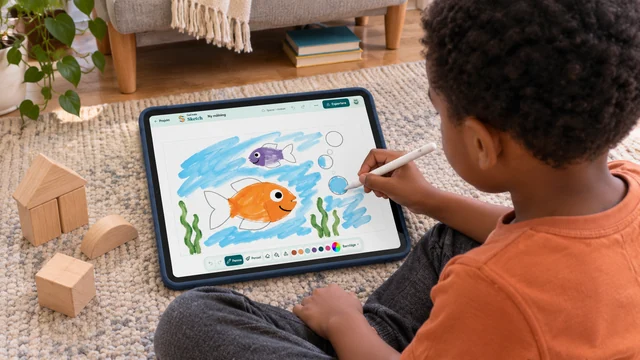
For children

Start with a mark

Choose a pencil, a colour or an activity book. Draw freely, colour a scene or follow the dots to reveal a picture.

Start with a mark
Animate

Advanced

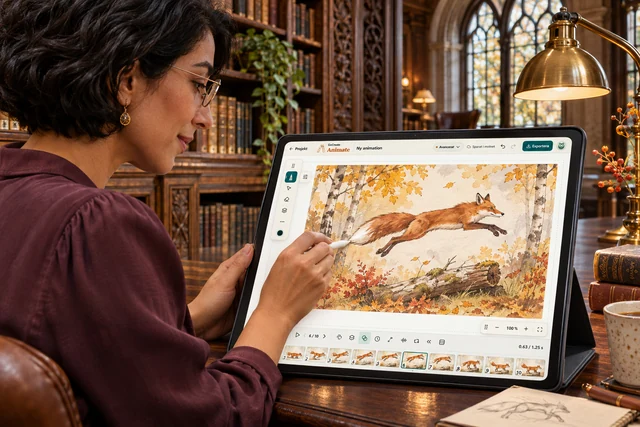
Build movement frame by frame

Control exposures, onion skins and sound. Adjust the timing and preview your film before exporting.

Watch the player and ball move from frame to frame. Small changes in the pose bring the drawing to life.
Animate

For children

Make a drawing move

Draw a character, copy the frame and move one detail. Press play to see your character come to life.

Make a drawing move

Made in GoCreate

A little exhibition from the studio. Select a piece to take a closer look.

1 / 5

Frequently asked questions

Do I need an account?

No. Open Sketch or Animate to try it. Guest work exists only in the open tab. Create an account to save it in your studio.

Can I use a stylus?

Yes. GoCreate reads pen pressure and tilt when the browser and device report them. Pen mode lets you draw with the pen and navigate with your fingers. Support depends on the pen, driver and browser.

Can children create with a parent?

Yes. A family account gives each child a profile, their own work and studio time limits on paired devices.